Mobile Apps
Android and iOS apps, from the first screen to the store release.
Apps that live in pockets
Cross-platform Flutter or native Kotlin, wired to a real backend and taken all the way to the store.
I build mobile apps for daily use: clear navigation, data that is there when the connection is not, and a release that does not stall at the store.
Flutter with BLoC covers Android and iOS from one codebase; Kotlin with Retrofit and Room covers native Android when the app needs it. I have published to the Google Play Store and handled the whole release myself.
Skills & tools
What a Mobile Apps project draws on
Cross-platform
One codebase for iOS and Android.
Native Android
Kotlin, end to end.
Integration & Release
Connected and shipped.
How I
work
A look at how a typical Mobile Apps project comes together
01
Flows & Scope
I map the user roles, the screens each one needs and the API behind them before the first widget is written.
Outcomes
- User roles
- Screen flows
- API contract
02
Building
Feature by feature, with a build on a real device at every step so the app is tested where it will be used.
Outcomes
- Feature modules
- API integration
- Device builds
03
Release
Signing, the store listing and the review process, then the fixes that only show up once real users arrive.
Outcomes
- Signed release
- Store listing
- Post-launch fixes
Related Work
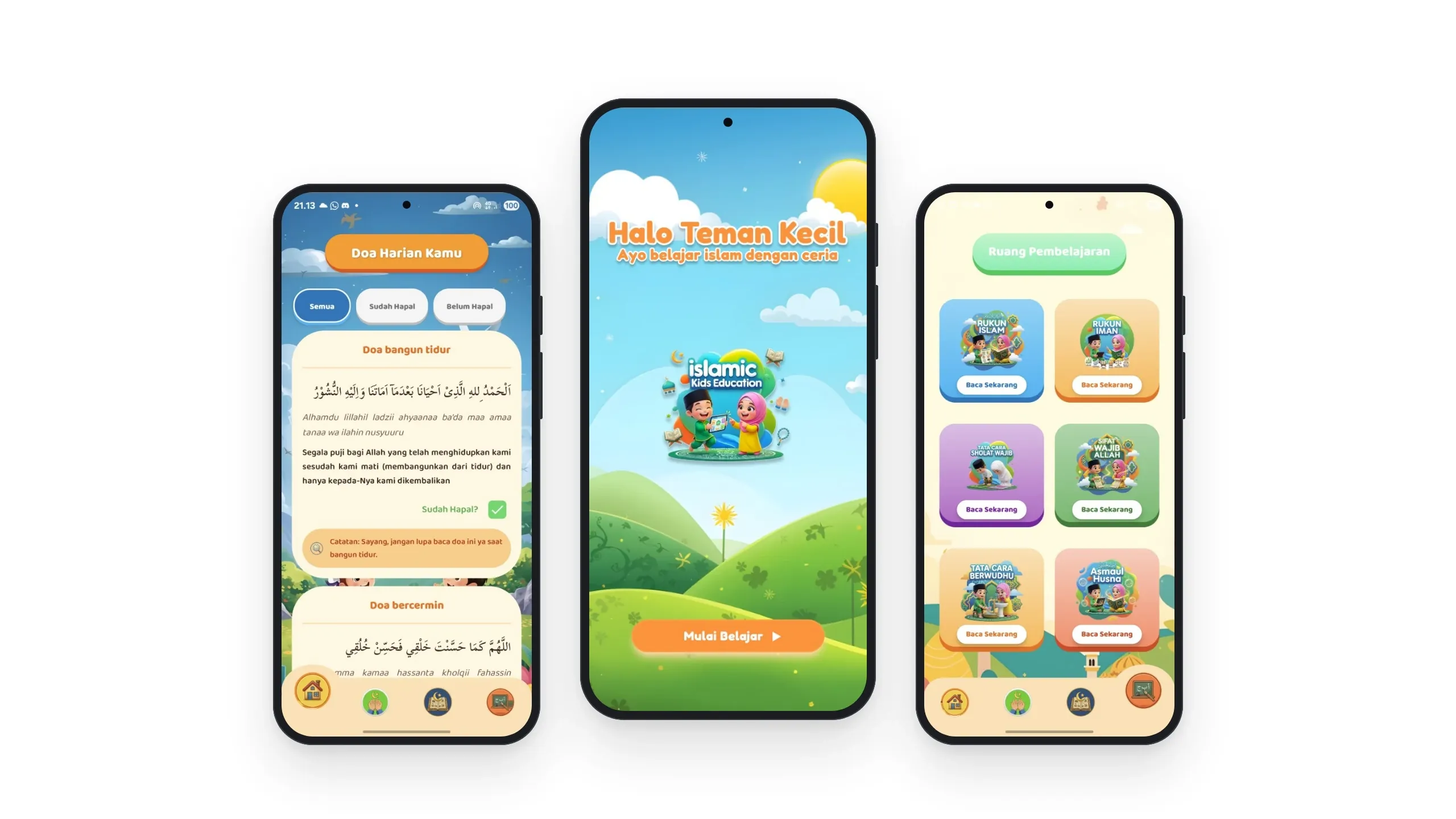
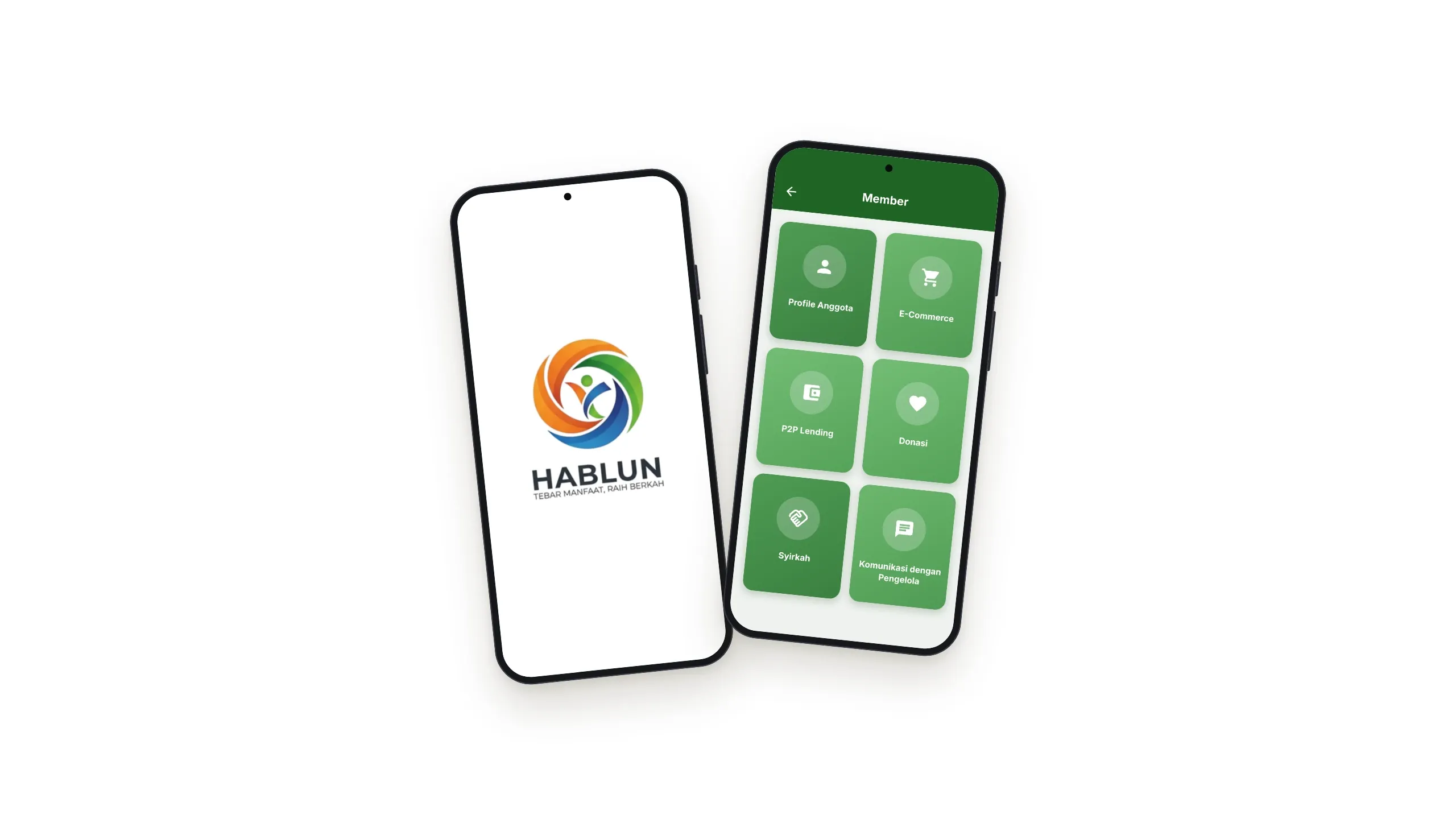
Both. Hablun is built in Flutter with BLoC for Android and iOS from one codebase; Islamic Kids is native Android in Kotlin.
Yes. Islamic Kids is on the Google Play Store, and I handled its release.
Yes. Islamic Kids keeps its content in a Room database, so it stays available without a connection.
Common Questions
Answers to what people ask most about Mobile Apps
Need help with your project?
Let’s work together!